A Porn Blocker You Can't Uninstall on Android (2026)
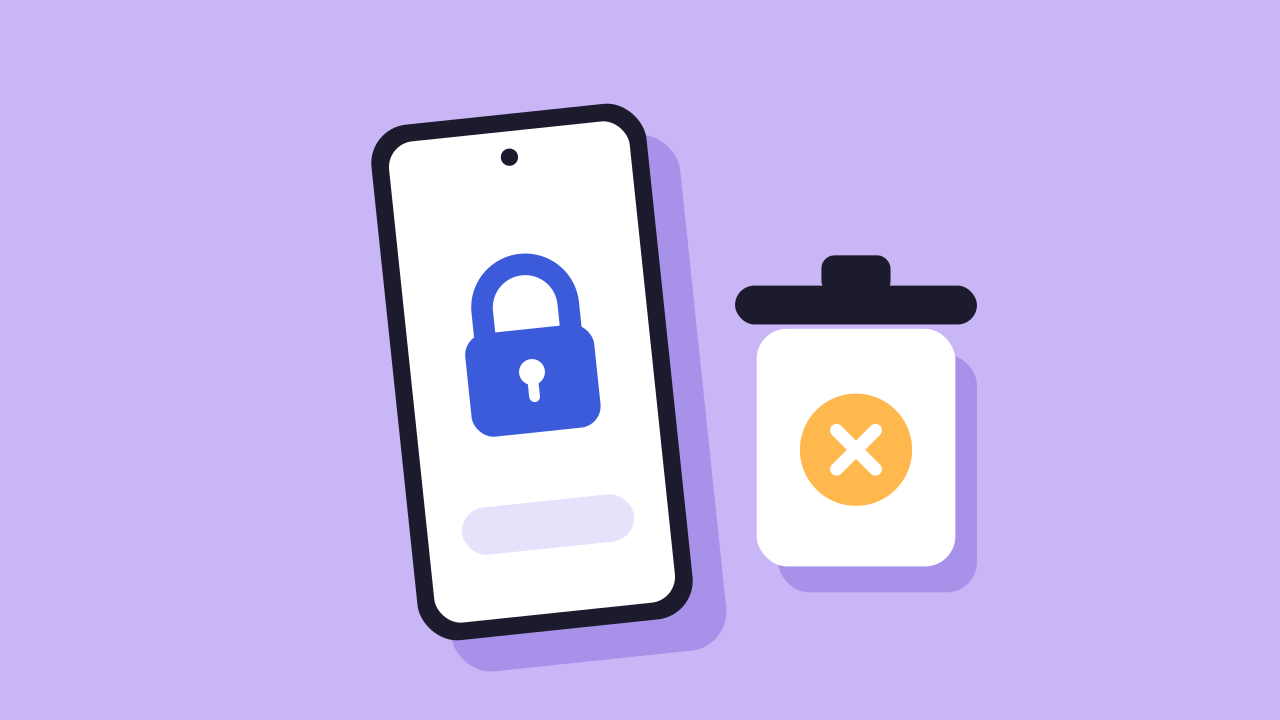
Most Android porn blockers can be removed in under a minute. Long press the app, tap Uninstall, and the block is gone. A blocker you can't uninstall needs one of two things: someone else holding the key, or a lock that nobody can end before the date you chose.
Below are the four kinds of uninstall protection, free ways to make a blocker harder to remove, and the questions to ask before you pay for one.
Why Uninstall Protection Matters
A blocker is only as strong as the easiest way to switch it off. On most phones, that is the uninstall button. If the app takes a few seconds to delete, an urge only has to last a few seconds.
So when you compare blockers, check first how easy each one is to remove.
The Four Kinds of Uninstall Protection
1. A password you set
The app asks for a password before it can be removed or switched off. This stops a child who doesn't know it. It doesn't stop you, because you made it. Writing it down somewhere awkward only adds a short walk.
2. A password held by a friend
Someone you trust sets the password, or has to approve the uninstall. This is stronger, but it depends on that person. They can be asked, worn down, or just say yes at a bad moment. It also means telling them, which many people never do, so they never set it up.
3. Device administrator
Some blockers ask to be a device admin app, which makes them harder to remove the normal way. It slows you down, but it can still be undone from Settings.
4. A time lock
You choose how long the block lasts, and it can't be ended before then. No password exists to guess or ask for. This is the only kind that doesn't depend on your willpower in the moment, or on someone else's.
How well a time lock holds depends on what else it covers. A lock that stops the uninstall but still lets you switch the filter off, or run a VPN, has the same hole in a different place.
Free Ways to Make a Blocker Harder to Remove
If you aren't ready to pay for a lock, these make removal slower:
- Set Private DNS to a family filter. It isn't an app, so there is nothing to uninstall. It can still be switched off in Settings. Our Private DNS guide has the hostnames.
- Give the password to someone else. If your blocker supports a password, let a friend or family member type it so you never see it.
- Use Family Link on a child's phone. A parent controls what gets installed and can block apps, from their own phone.
Each of these can be undone by the person holding the phone, or by talking to the person holding the password. They slow you down, but they don't stop you.
What to Check Before You Pay for a Blocker
Ask these questions about any Android blocker, ours included:
- Can it be uninstalled during a lock?
- Can the filter be switched off in Settings without uninstalling?
- Does a free VPN from the Play Store get around it?
- Does a new browser get around it?
- Can support end it if you email them?
If the answer to any of these is yes, the block can be undone that way.
QuitPorn: A Lock That Holds Until Your Date
With QuitPorn, you choose a lock from 1 day up to 365 days, and it can't be ended early. Our support team can't end it either. It installs from Google Play and works on Samsung, Pixel, Xiaomi, Tecno, Infinix, OnePlus and other Android phones.
During a lock:
- It can't be deleted, and nobody can switch it off.
- A VPN doesn't get around it, and neither does a new browser.
- It ends on the date you chose, by itself.
- There is no passcode. On Android there is nothing to guess, write down or ask for.
When your time is up, the lock ends on its own. You don't need to do anything, and you can start a new one whenever you want.
One account covers up to 5 devices: Android, iPhone, iPad, Windows and Mac. Plans are $15 a month, $78 for six months, or $120 a year. If you haven't started a lock yet, you can get a refund within 7 days. See the plans.
How to set it up
- Sign up at quitporn.io and open the dashboard on your phone.
- Install QuitPorn from Google Play. The setup page links straight to it.
- Follow the guided setup. It takes under 5 minutes, with a video.
- Choose your lock length and confirm.
Uninstall Protection Compared
| Your own password | Friend's password | Device admin | QuitPorn lock | |
|---|---|---|---|---|
| Stops a quick uninstall | Yes | Yes | Yes | Yes |
| Holds against you | No | Until you ask | No, admin switches off | Yes, until the lock ends |
| Needs another person | No | Yes | No | No |
| Ends on its own | No | No | No | Yes, on your date |
Frequently Asked Questions
Is there a porn blocker that can't be uninstalled on Android?
Yes. QuitPorn can't be deleted or switched off during a lock, and the lock can't be ended early. You pick the length, from 1 day to 365 days.
How do I stop myself from uninstalling a porn blocker?
Use a blocker with a time lock, so there is no password for you to know or ask for. A password you set yourself won't stop you, and a friend's password only holds until you ask them.
Can I end a QuitPorn lock early if I need to?
No. Our support team can't end it either. Choose a length you are sure about. You can always start a longer lock after this one ends.
What happens when the lock ends?
It ends on its own when your time is up. You don't need a code or a click. You can then start another lock, or leave it off.
Does it work on Samsung, Xiaomi and Tecno?
Yes. QuitPorn installs from Google Play and works on Samsung, Pixel, Xiaomi, Tecno, Infinix, OnePlus and other Android phones. Brand steps are in our Samsung, Xiaomi and Tecno and Infinix guides.
For the full picture, read our Android blocking guide or the ranking of the best porn blockers for Android.
This is general information, not medical advice. For help with your own situation, talk to a doctor or therapist.
 The QuitPorn Team