Best Porn Blocker for Windows in 2026: 7 Apps Ranked by How Easy They Are to Switch Off
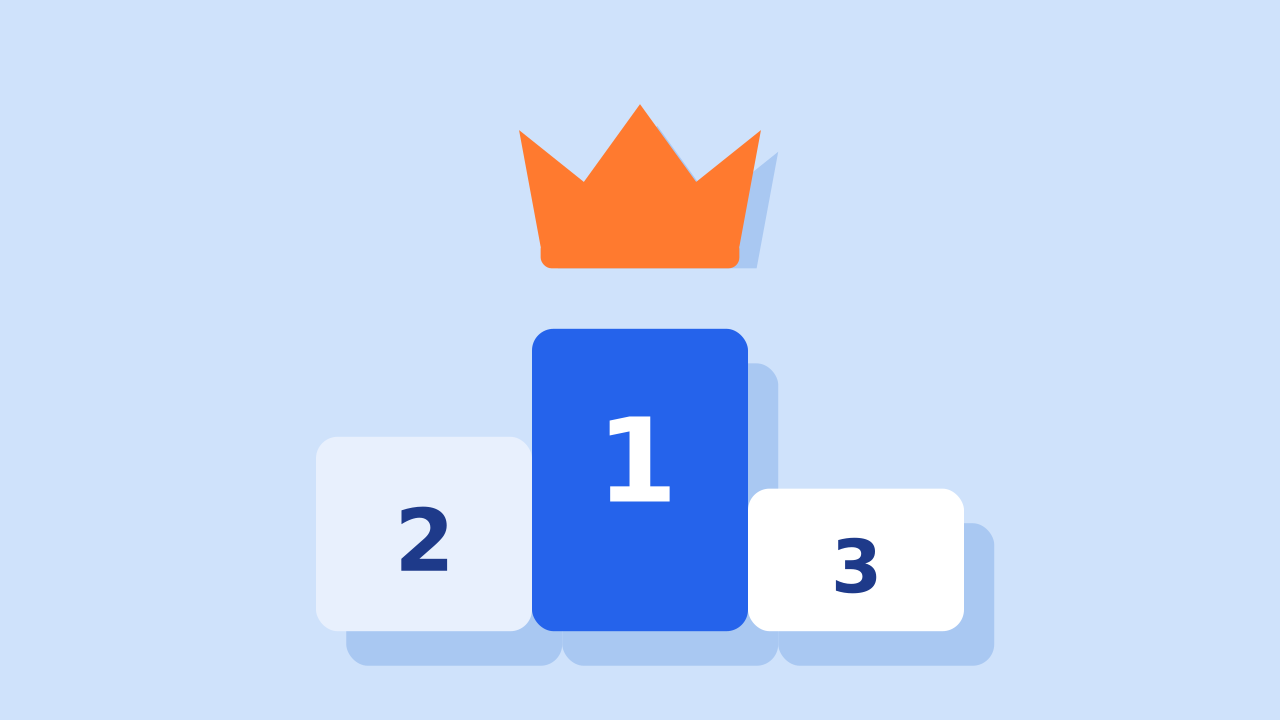
The best porn blocker for Windows 10 and Windows 11 in 2026 is QuitPorn. It is the only Windows blocker on this list that can't be switched off before the lock ends. You pick a lock from 1 to 365 days, every browser on the PC is covered, and the lock ends by itself on the date you chose. Nobody can end it early, not you and not our support team.
Every app below blocks porn on a Windows PC. The real difference is what happens late at night, when the person the blocker protects wants it gone. On Windows most blockers can be paused, uninstalled or worked around in a few minutes. So that is what we ranked.
The Ranking at a Glance
| Rank | App | Score | Built for | How it is switched off |
|---|---|---|---|---|
| 1 |  QuitPorn | 9.8 | Adults blocking themselves | It isn't, until the lock ends |
| 2 | Cold Turkey Blocker | 7.2 | Focus and distractions | Wait for the block, then change it |
| 3 | Cisdem AppCrypt | 6.4 | Locking apps and sites | Your own password |
| 4 |  Canopy | 6.3 | Parents | The parent's password |
| 5 |  Covenant Eyes | 6.0 | Adults with an ally | It reports, it doesn't block |
| 6 | Microsoft Family Safety | 5.6 | Parents of children | The parent's account |
| 7 | Family DNS (CleanBrowsing, Cloudflare) | 5.0 | Anyone, free | One change in Settings |
How We Ranked Them
A porn blocker on a PC almost never fails because a site slipped through. It fails because the person using it switched it off, uninstalled it, or opened a browser it doesn't cover. So every app was scored first on one question: can the person it protects switch it off?
The lock counts for 60% of the score, how much of the PC it covers counts for 25%, and the other devices it protects count for 15%. Facts come from each company's own site, checked in November 2026. We list pricing models, not exact prices, because prices change.
1. QuitPorn: The Only Windows Blocker You Can't Switch Off
Score: 9.8 out of 10
Built for: adults who want porn gone from their own PC
Also works on: iPhone, iPad, Android, Mac
Price: $15 a month, $78 for six months, or $120 a year, see plans
QuitPorn is built around one simple fact: the person who wants porn gone in the morning and the person who wants it back at 2 a.m. are the same person. So the second one doesn't get a vote. You choose the lock length while you are thinking clearly, from 1 day up to 365 days. Until that date, the block stays on.
During a lock:
- Nobody can switch it off. It can't be deleted until the lock ends.
- Every browser is covered, including Chrome, Edge, Firefox, Brave and Opera.
- It ends on the date you chose, by itself.
- There is no password to find or guess, and support can't end it either.
You can add your own triggers to the block list too, such as a site that isn't porn but leads there. One account covers up to 5 devices, so your phone and laptop are locked the same way.
Where it wins: it is the only Windows blocker here where nobody, including you, can end the block early.
Keep in mind: there are no accountability reports and no community. It is a lock, not a social app. Setup takes under 5 minutes. See QuitPorn for Windows.
2. Cold Turkey Blocker: Strict, but Built for Focus
Score: 7.2
Built for: students and workers blocking distractions
Price: free version, Pro is a one-time payment
Cold Turkey is one of the strictest focus blockers on Windows. A locked block can't be ended until its time is up, and Frozen Turkey can lock the whole computer. Many people use it for porn because nothing else on desktop felt as strict.
Where it breaks: it is a focus tool, so it doesn't block porn until you build the list yourself and keep it current. It needs a browser extension in each browser. And it has no phone app, so the phone next to the PC stays open. See QuitPorn vs Cold Turkey and our Cold Turkey alternatives.
3. Cisdem AppCrypt: A Password Lock for Apps and Sites
Score: 6.4
Built for: locking apps and blocking sites with a password
Price: yearly subscription per PC
AppCrypt locks apps behind a password and blocks websites, with a one-click adult content block. Site blocking works through its own extension, added to each browser.
Where it breaks: the password is yours. The person who set it can type it at 2 a.m. and the block is gone. It is a lock you hold the key to.
4. Canopy: Filters the Picture, for Parents
Score: 6.3
Built for: parents
Price: paid subscription
Canopy removes explicit images from a page as it loads, so the rest of the site still works. It has uninstall protection and alerts for parents.
Where it breaks: it is built around a parent holding the password. On your own PC you are the parent, so you hold the password. See QuitPorn vs Canopy.
5. Covenant Eyes: Reports, Not Blocks
Score: 6.0
Built for: adults with an accountability ally
Price: paid subscription
Covenant Eyes has been around since 2000. It watches your screen for explicit images and sends a report to an ally you choose. For people who stop when they know someone will see, that helps.
Where it breaks: it reports after the fact. By the time your ally reads the report, the page has already loaded. See QuitPorn vs Covenant Eyes.
6. Microsoft Family Safety: Free, for a Child's Account
Score: 5.6
Built for: parents of children
Price: free
Family Safety is Microsoft's own parental control. It filters adult sites in Edge, keeps SafeSearch on and can block other browsers on a child's account.
Where it breaks: it only works on a child's Microsoft account, managed by an adult. You can't use it to lock your own account.
7. Family DNS: The Best Free Block, With an Off Switch
Score: 5.0
Built for: anyone
Price: free
Family DNS services like CleanBrowsing and Cloudflare for Families stop adult sites loading for the whole PC, or the whole house if you set them on the router. It takes a few minutes and costs nothing.
Where it breaks: the same setting that turns it on turns it off, and a VPN goes straight around it. More in our DNS blocker guide.
Which One Should You Choose?
- You are blocking porn on your own PC and have switched blockers off before: QuitPorn. It is the only one here with no off switch.
- You only want to block distractions while you work: Cold Turkey.
- You want someone to see what you viewed: Covenant Eyes.
- You are protecting a child's PC: Microsoft Family Safety for free, or Canopy if you want image filtering.
- You want something free today: family DNS. Then add a lock when it stops being enough.
Frequently Asked Questions
What is the best porn blocker for Windows?
QuitPorn. It is the only Windows porn blocker that can't be switched off before the lock ends. Nobody can delete it or turn it off during a lock, every browser is covered, and it ends by itself on the date you chose.
What is the best paid porn blocker for Windows 11?
QuitPorn, for the same reason. Paid blockers like Cold Turkey and Cisdem AppCrypt are strong, but each one has a way off that the user controls: a block you set up yourself, or a password you know.
What is the best free porn blocker for Windows?
A family DNS service such as CleanBrowsing or Cloudflare for Families. It is free and covers every browser. It can also be undone in a minute by whoever set it up.
Can a porn blocker on Windows be bypassed?
Most can. People uninstall them, switch the extension off, open a different browser or use a VPN. QuitPorn can't be removed or switched off until the lock ends.
Does it work on Windows 10 and Windows 11?
Yes. QuitPorn runs on both, and the same account also covers your phone, iPad and Mac.
Do I need a blocker on my phone too?
Yes. A blocked PC next to an open phone is still an open door. QuitPorn covers up to 5 devices from one account. See the best porn blocker for Android and our best porn blockers for every device.
Choose your lock length and set up your PC in under 5 minutes.
This is general information, not medical advice. For help with your own situation, talk to a doctor or therapist.